

120+
Projects
60+
Global Brands
A Class
Highest Quality
IPS Panel Screen
CMYK Offset
High Quality
Printing
Video display products bring corporate presentations, product films and instructions into a physical marketing format.
A printed cover and built-in screen let your brand present its story in one product.
Preloaded video can be played without an internet connection. The cover and presentation format can be customised for your company; battery capacity and operating requirements depend on the selected model.
Multiple videos can be included, with suitable controls to move between them. Plan the content around the information your customers, employees or partners need.
Explore the available presentation formats below.
Video LCD Brochure/Catalog
(Soft Cover)
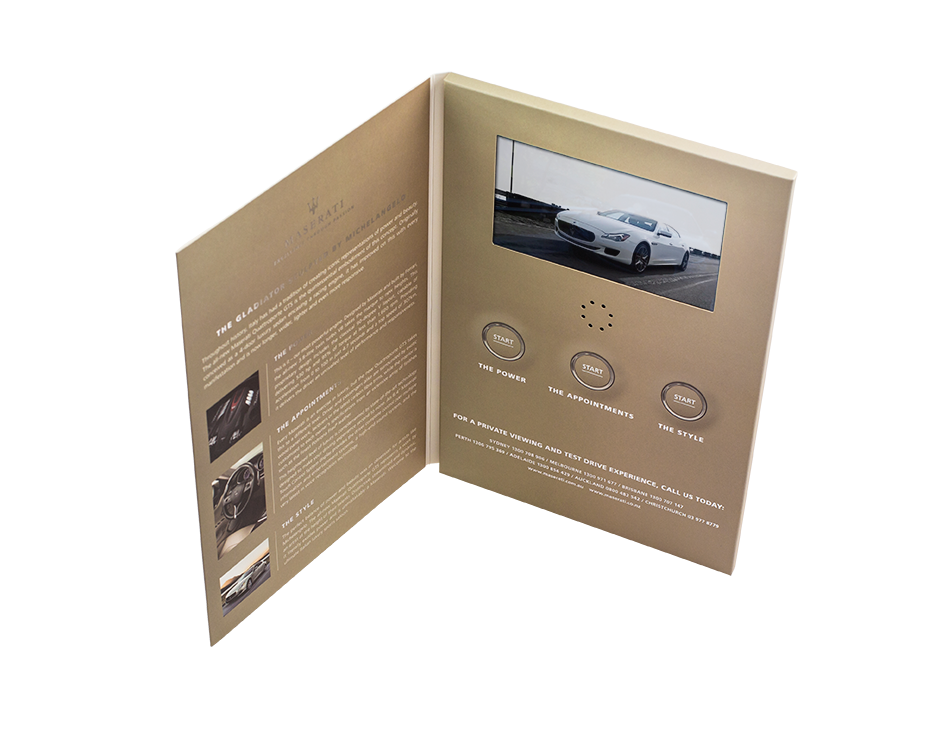
Video LCD Brochure/Catalog
(Hard Cover)
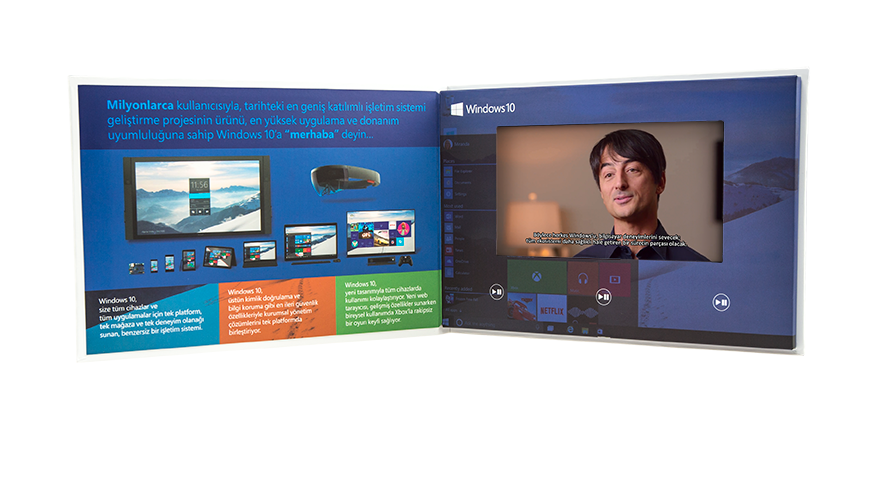
Video Card /
Video Magazine Insert
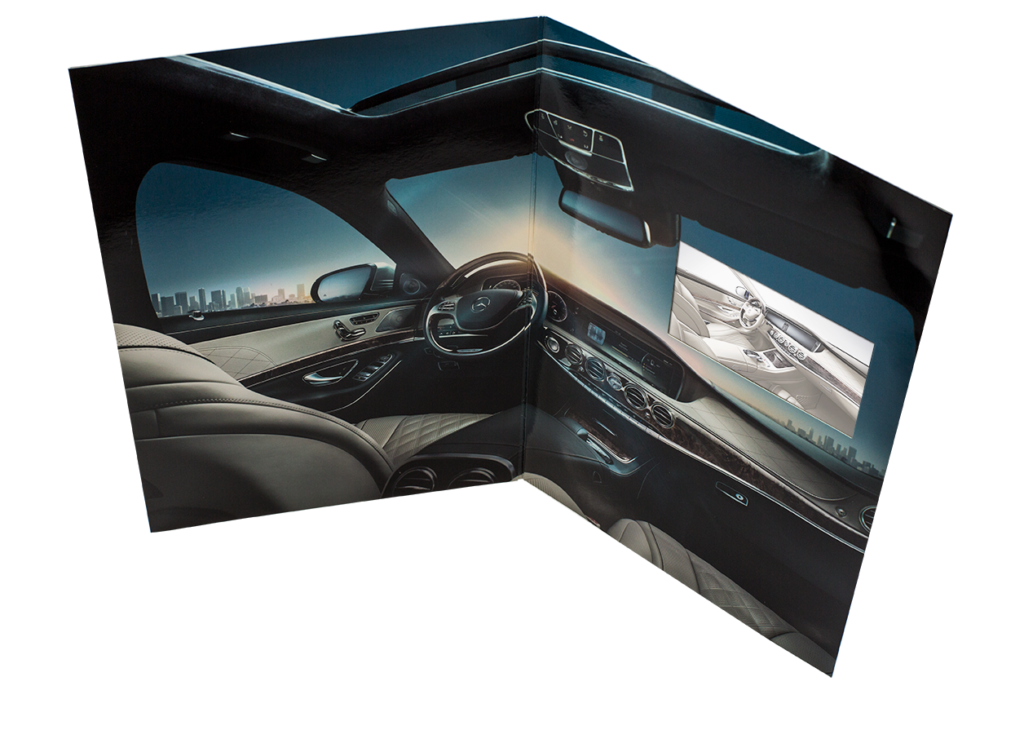
Video Screen
POS Stand

Video Screen
Calendar
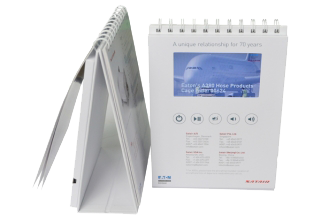
VideoBook
Digital Video Catalog/Brochure
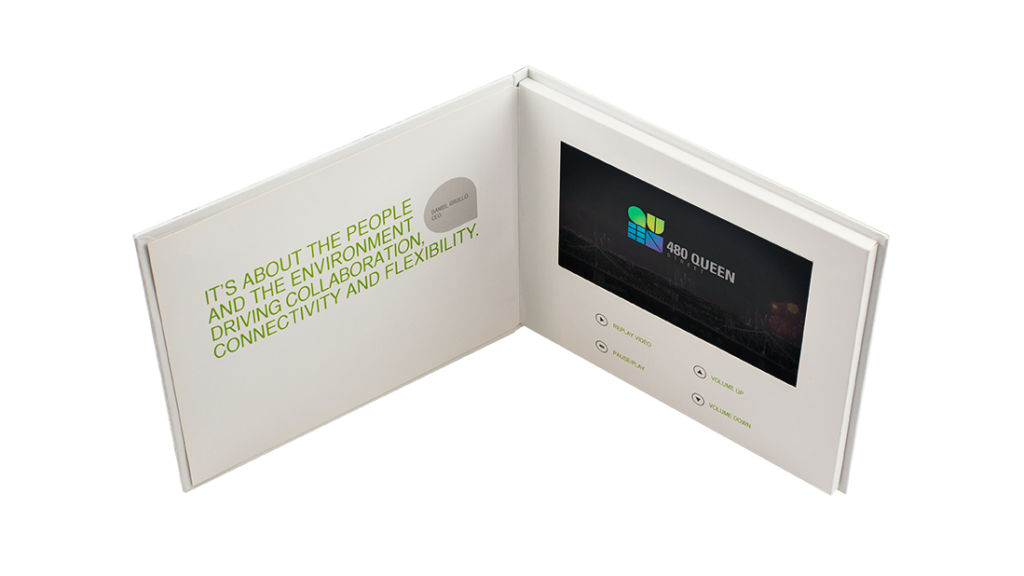
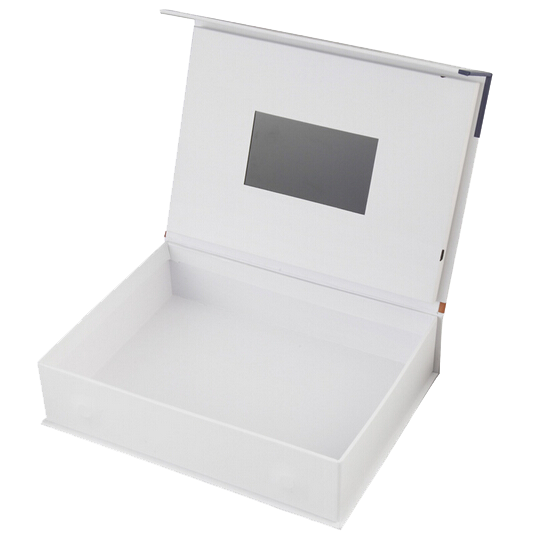
Video Box / Product Kits
with LCD Video Screen
Video Business Card
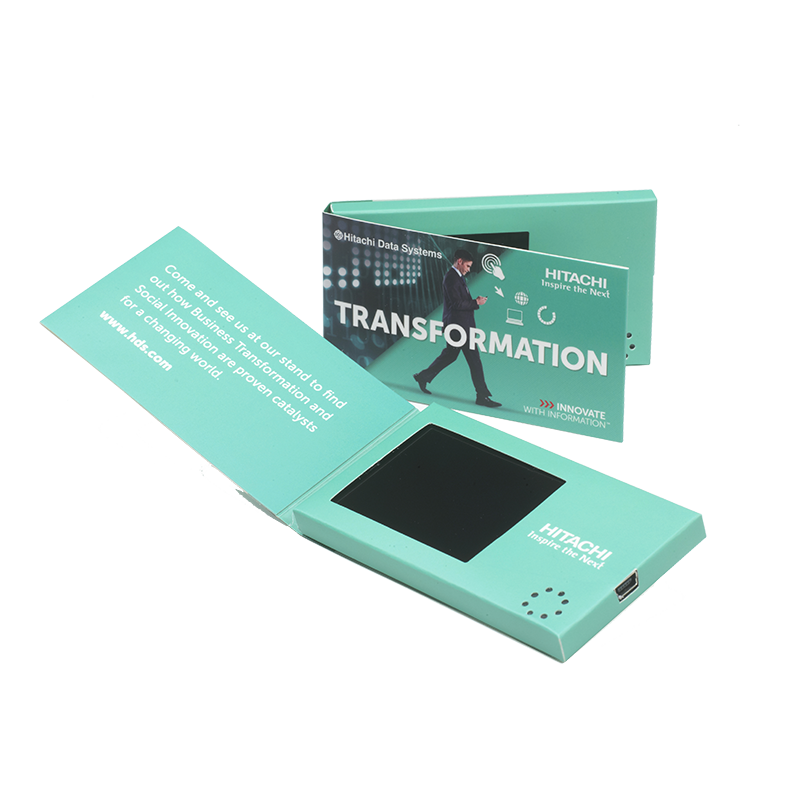
Formats include video brochures, catalogues, cards, desktop stands, presentation boxes, product kits, magazine inserts and calendars.
Cover materials, printed dimensions, screen sizes, touch options and playback controls can be selected to suit the project. Confirm the available combination of options when requesting a quotation.
Combine printed information, moving images and sound in a single presentation.
Video LCD Brochure
Technical Specifications
Memory and battery capacities depend on the selected model. Confirm the required video capacity and playback time in the project specification.
Video brochures and catalogues are available in different formats and screen configurations.
Choose screen dimensions around the printed format and the readability of the video content. Available sizes should be confirmed for the selected model.
Touch-screen options can be considered where interaction is required.
Application Areas
- Product Presentation
- Press Kit
- Corporate Invitation
- Greeting Card
- Press Launch
- Event Organisation
- POS (Point of Sale)
- New Product Launch
- Instruction Manual
- Marketing Activities
- Company Presentation
- B2B Sales Support
- Magazine Insert
- POP (Point of Purchase)
- Branding
- Dealer Materials
- Exhibition/Trade Show Materials
- Openings and Galas
- Direct Marketing
- Desktop Presentation
- Gift Box
- Business Card
- Sales Kit
- Promotion
Projects / Our Work
Control buttons can support video selection, playback, navigation and volume adjustment. Language selection can also be planned where the relevant content is supplied. The available controls depend on the model.
Production and delivery timing is confirmed after the product specification, quantity and artwork approval schedule are agreed.
A USB connection allows supported video content to be updated and the unit to be charged. Follow the instructions for the selected model.
Video presentation products can be used for sales meetings, product launches, direct marketing, exhibitions and corporate events. Select the format and content around the intended audience.
References
Contact Us
Video brochures for proposals, product education and business presentations
Introduce a launch before the event
A printed invitation can carry a short video that introduces the event or product story. The cover, printed message and video should work as one presentation.
Support a hands-on sales meeting
A video brochure puts printed information and prepared video in one physical item. Screen size, controls, memory and charging needs should match the intended use.
Create a product presentation kit
A video-enabled box or stand may suit a project that includes a sample or a display area. Format, quantity, artwork and delivery requirements should be confirmed before production.
Bring a property presentation to a meeting
An existing property film can sit alongside printed plans and project information in a video brochure. Choose a video sequence that supports the discussion and check that the printed details match the current project.
Make a business proposal easier to explore
A short introduction to a proposed service or solution can accompany the printed proposal. Structure the video around the decision the recipient needs to make, with detailed scope and supporting information in print.
Support staff or partner onboarding
Prepared welcome or training videos can be paired with printed summaries in a physical presentation kit. Organise the material into useful steps and plan how future content revisions will be handled.
Bring print and video into one presentation
A video LCD brochure combines a printed cover, a built-in screen and video content in a physical presentation format. Brochures, cards, presentation boxes and desktop stands can be considered for product launches, sales meetings and corporate communication.
Questions about your project
Can the video content be changed?
The products described on this site use a USB connection for video transfer and charging. Supported file formats and the exact update method should be confirmed for the chosen model.
How are screen size, memory and battery selected?
Video length, viewing distance and the intended use period help determine the specification. Capacity and playback time vary by model and should be confirmed in the project quotation.
What is needed to start a custom project?
Provide the intended use, quantity, preferred format, brand artwork, video content and target delivery date. Printing, screen options and the production schedule can then be reviewed together.
A Uniworks product solution. Helping brands present their story since 2012.